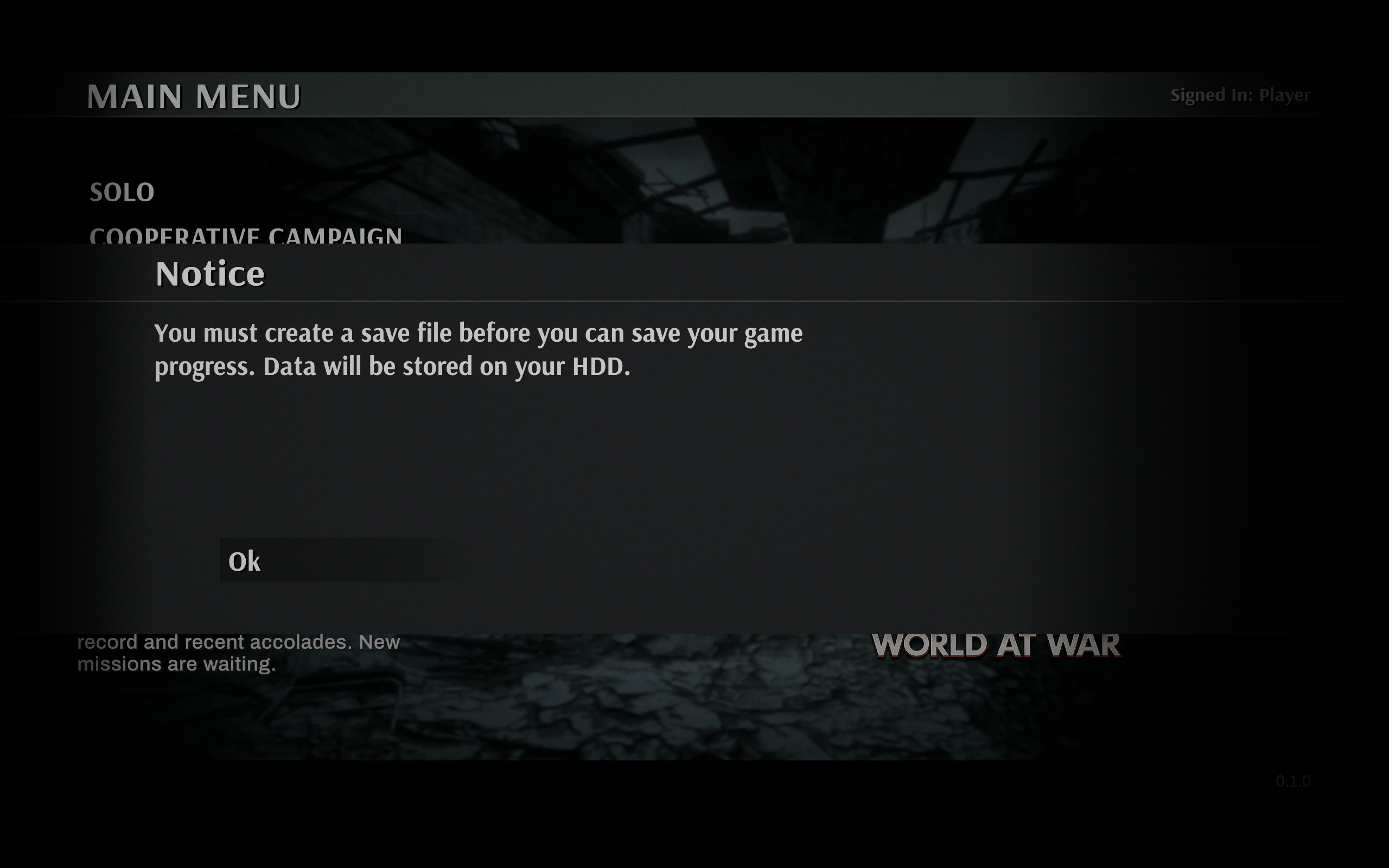
Code Behind Menu System
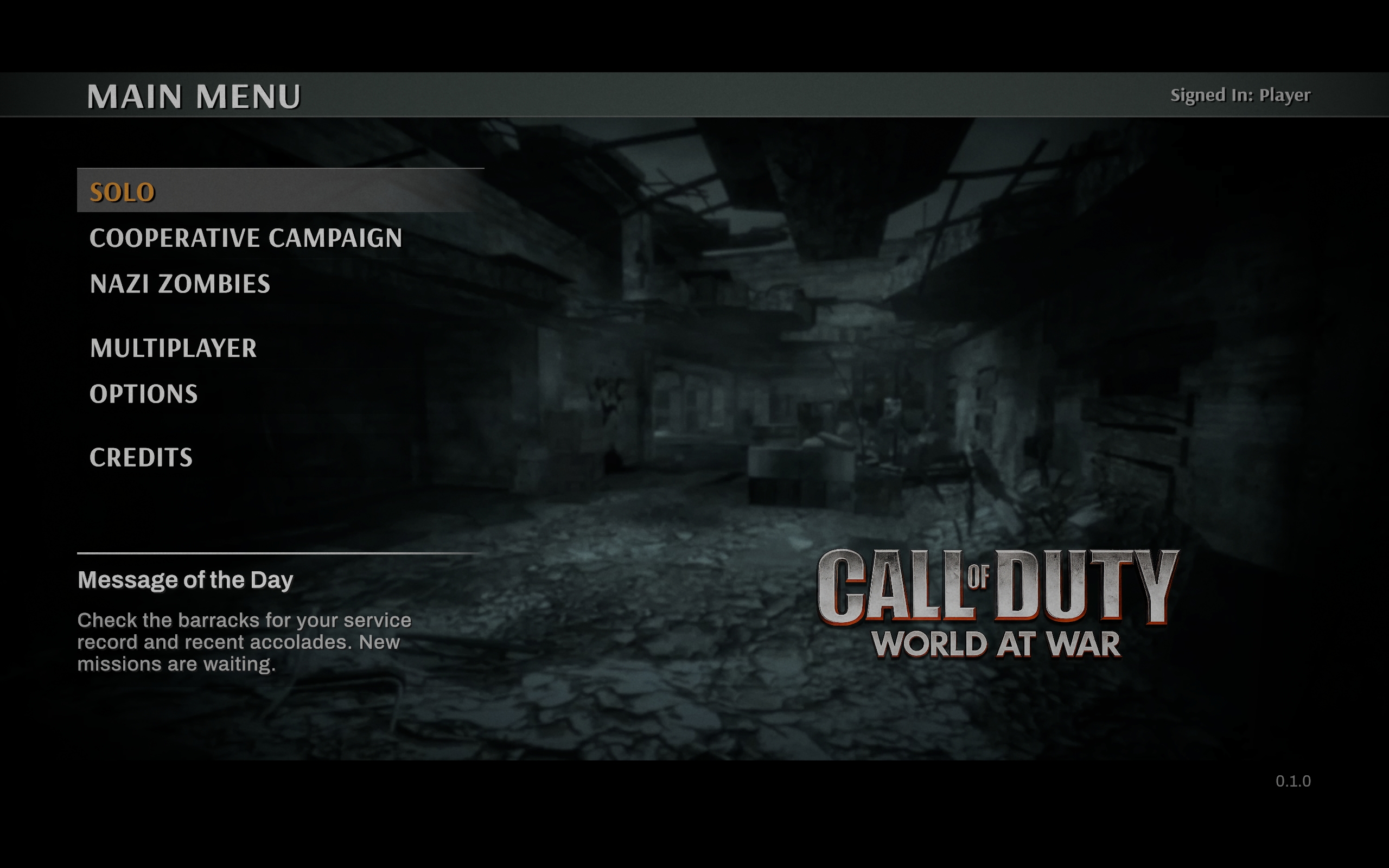
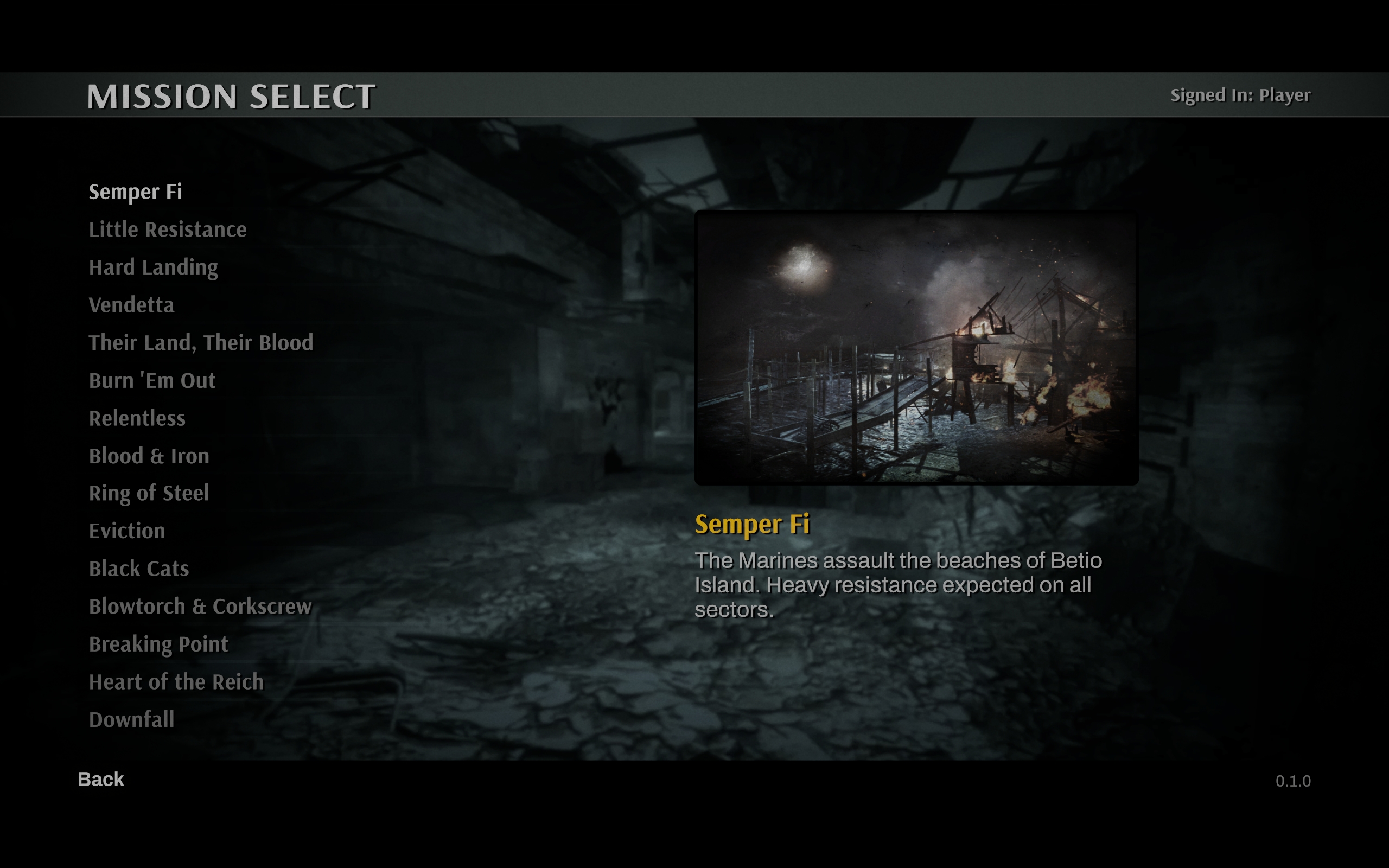
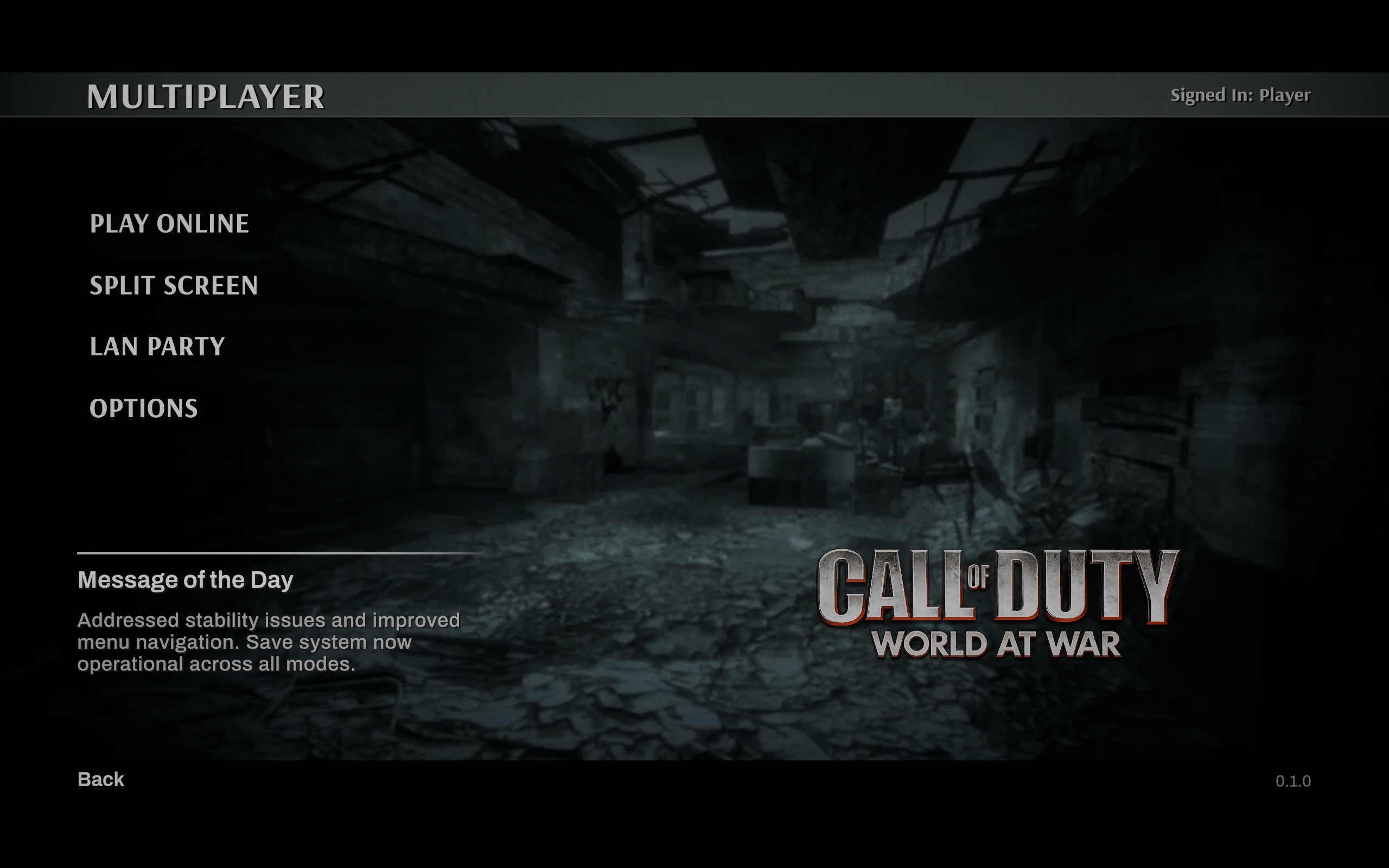
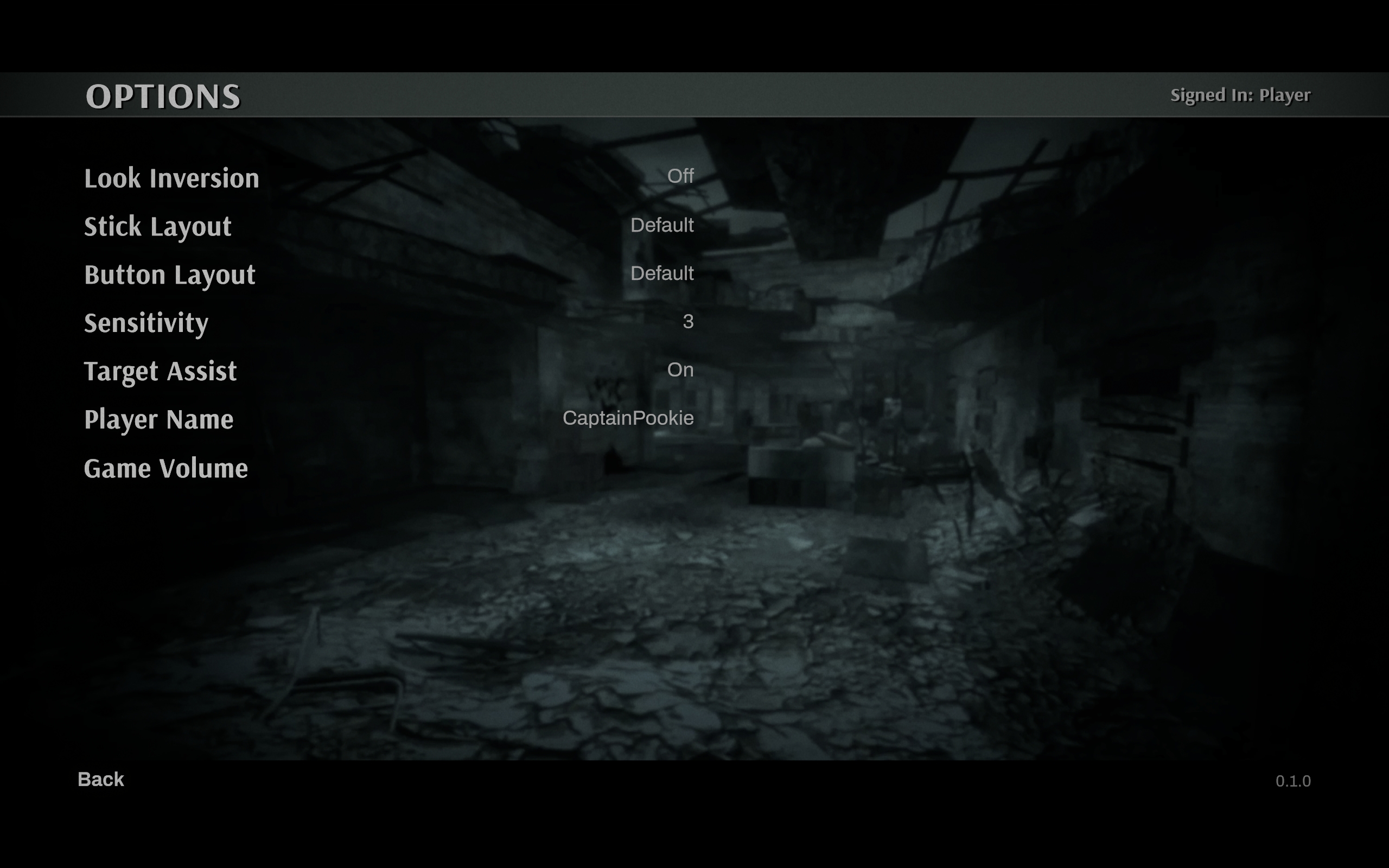
Call of Duty: World at War menu system in Unity 6 with UI Toolkit using the code behind pattern and convention based navigation.
Problem
UI Toolkit resources and examples at scale are scarce. The built-in system has no navigation, no dependency injection, no view locator, and no code generation for compile-time safe bindings. Without source generators like CommunityToolkit.Mvvm, implementing full MVVM requires manual wiring that cancels out the pattern's benefits. The closest design pattern comparison is HTML, CSS and Vanilla JS from the 2000s.
The challenge: build a production-scale UI system handling 15+ screens and modals with navigation, routing, state management, and theming - while keeping inspector and ScriptableObject references at zero.
Key Technical Decisions
- Router by convention
NavigateTo<T>()uses the C# type as the destination, so a new screen is two files (.csand.uxml) with no registration. - Convention-based view factory
ViewFactory.Create<T>()loadsResources/Views/{TypeName}.uxml. The class name is the file path, and a missing file logs an error immediately rather than throwing a null reference. - Typed element records Each view's element queries return a
sealed recordof typedVisualElementreferences, with names kept inConstants/Elements.csinstead of magic strings. C# 9 positional records on .NET Standard 2.1 via a small polyfill. - Dual view stacks Two stacks, one for screens and one for modals. Push and Pop manage activation and history, and modals stack over any screen without disturbing it.
- Persistent chrome shell Header, footer and modal overlay live outside both stacks and survive every push and pop. Back is bound once and always calls the router.
- Theming and audio through USS
core.ussdefines CSS custom properties for colour, type, radius and motion that screens and modals inherit. Audio is driven by USS classes checked by a root listener, so there is no per-button event wiring.
Gallery