Xenia Manager
Big Screen Mode for Xenia Manager, a console style frontend built with Avalonia and focused on gamepad navigation.
What is Xenia Manager
Xenia Manager is a community frontend for the Xenia Xbox 360 emulator with 1k+ Stars and 1.4M downloads as of Aug 2026. It is led by its maintainers. I contribute to the Avalonia frontend and built its Big Screen Mode. I also maintain the Big Screen documentation and docsite structure on the official wiki.
Big Screen Mode
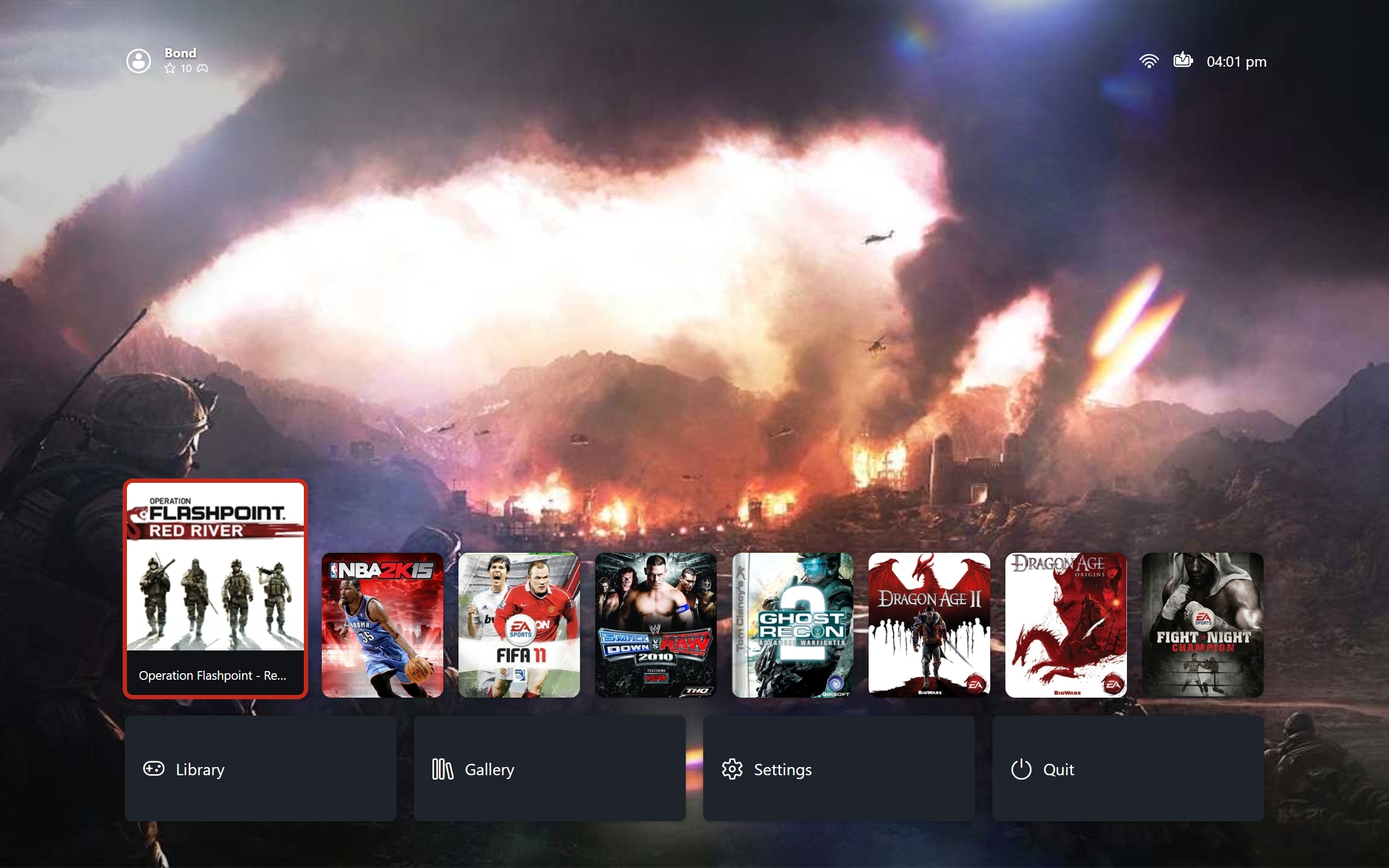
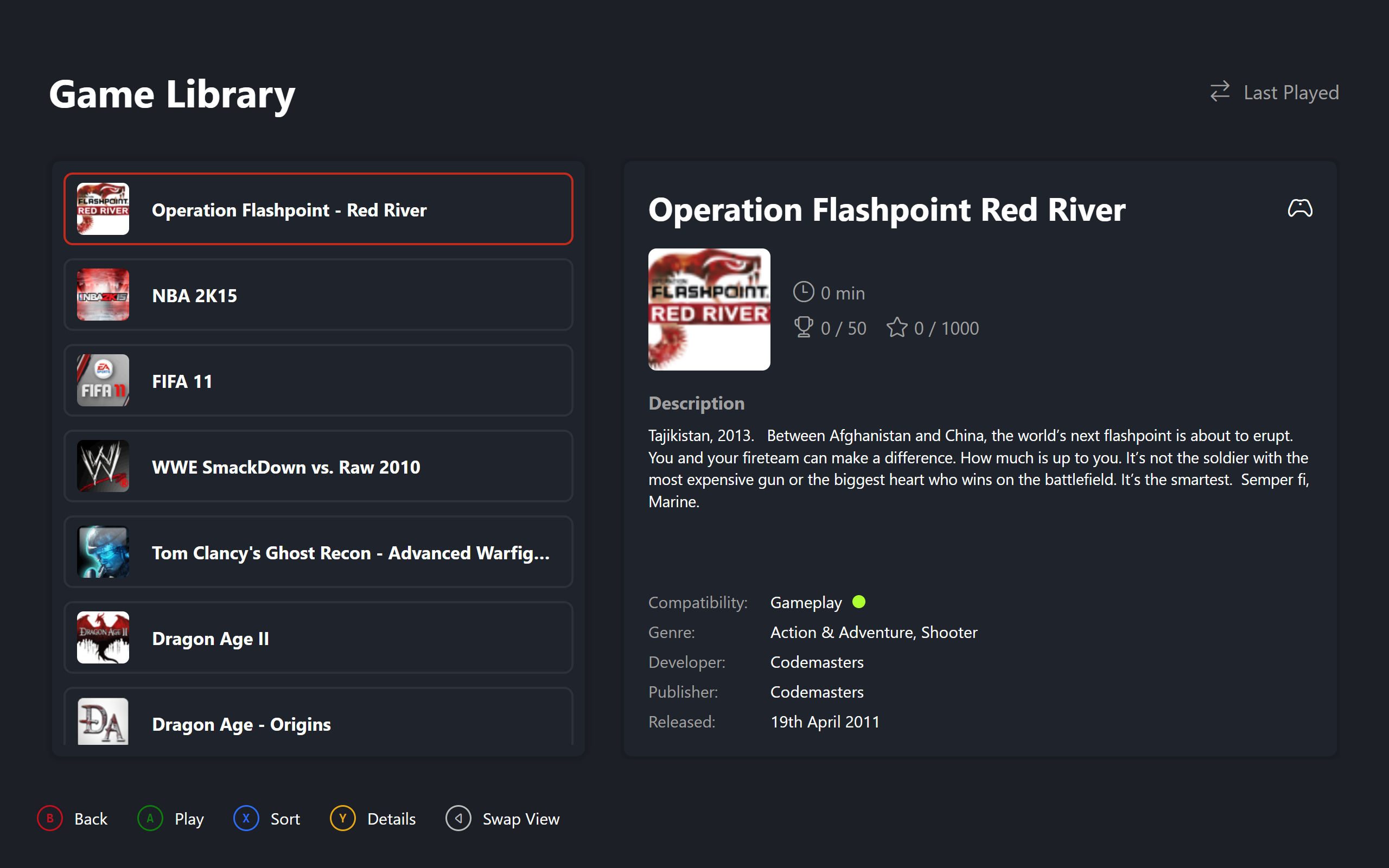
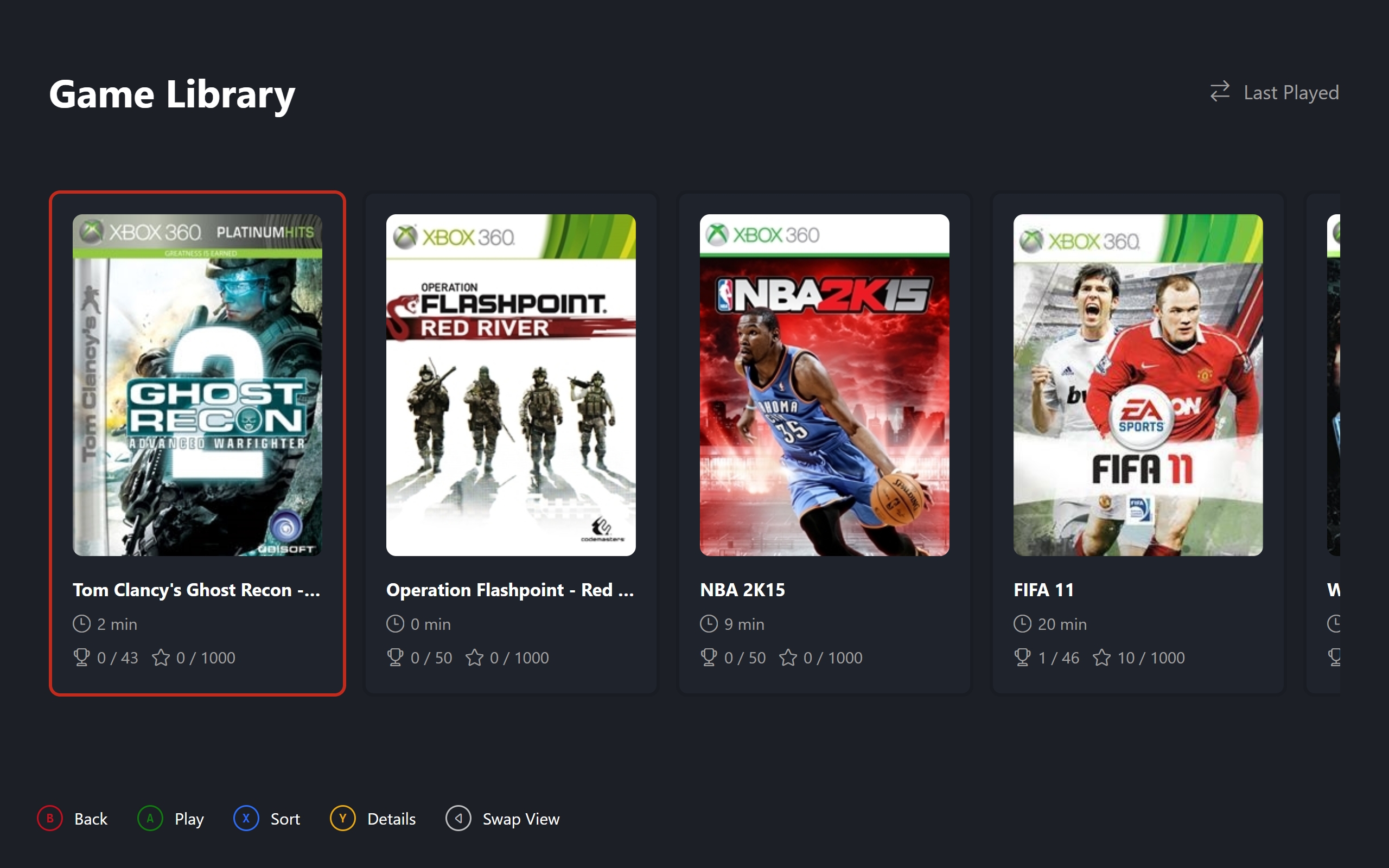
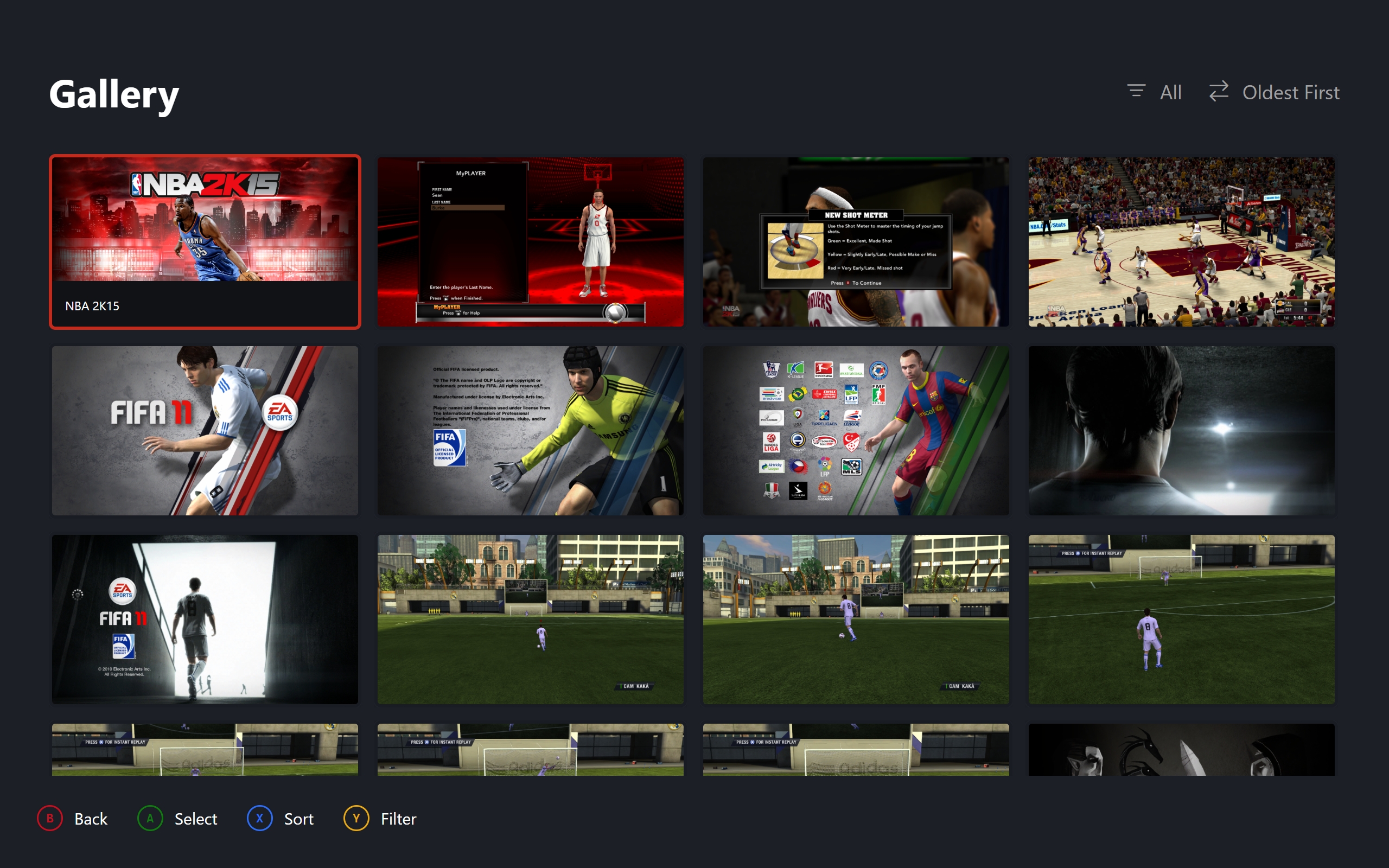
Big Screen Mode is a console style frontend for Xenia Manager built as a separate Avalonia app in the same solution. It is designed to be used with a controller and covers the main flows you would expect on a console: dashboard, library, gallery, game details and settings.
- Dashboard Recent games row with dynamic backgrounds, header stats and a clean, centred layout. Navigation is row based rather than relying on keyboard focus.
- Library Carousel and list views with sorting and a details pane. The choice is persisted and can be swapped live.
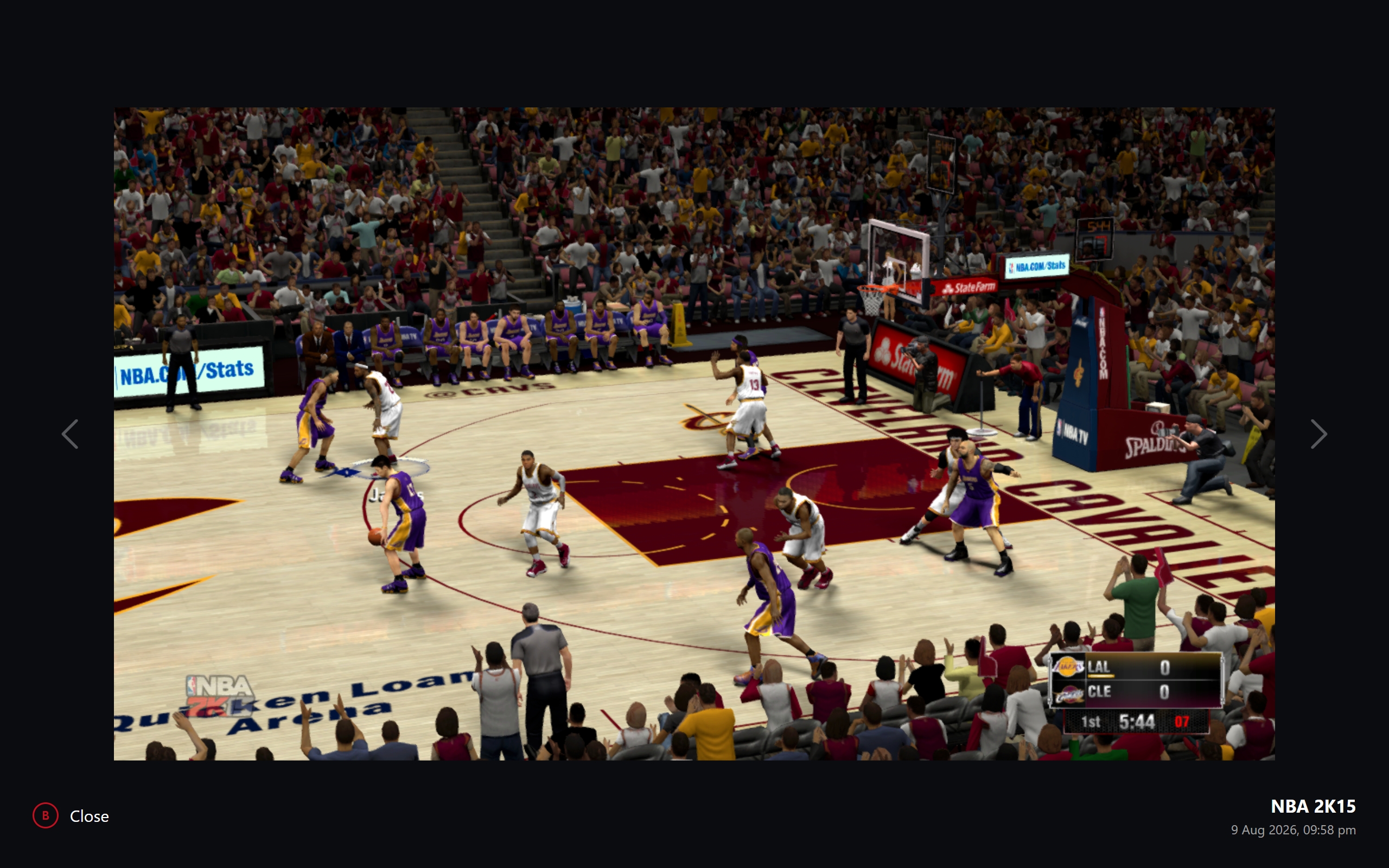
- Gallery Grid of screenshots with sorting and a viewer that keeps selection in sync when moving between grid and viewer.
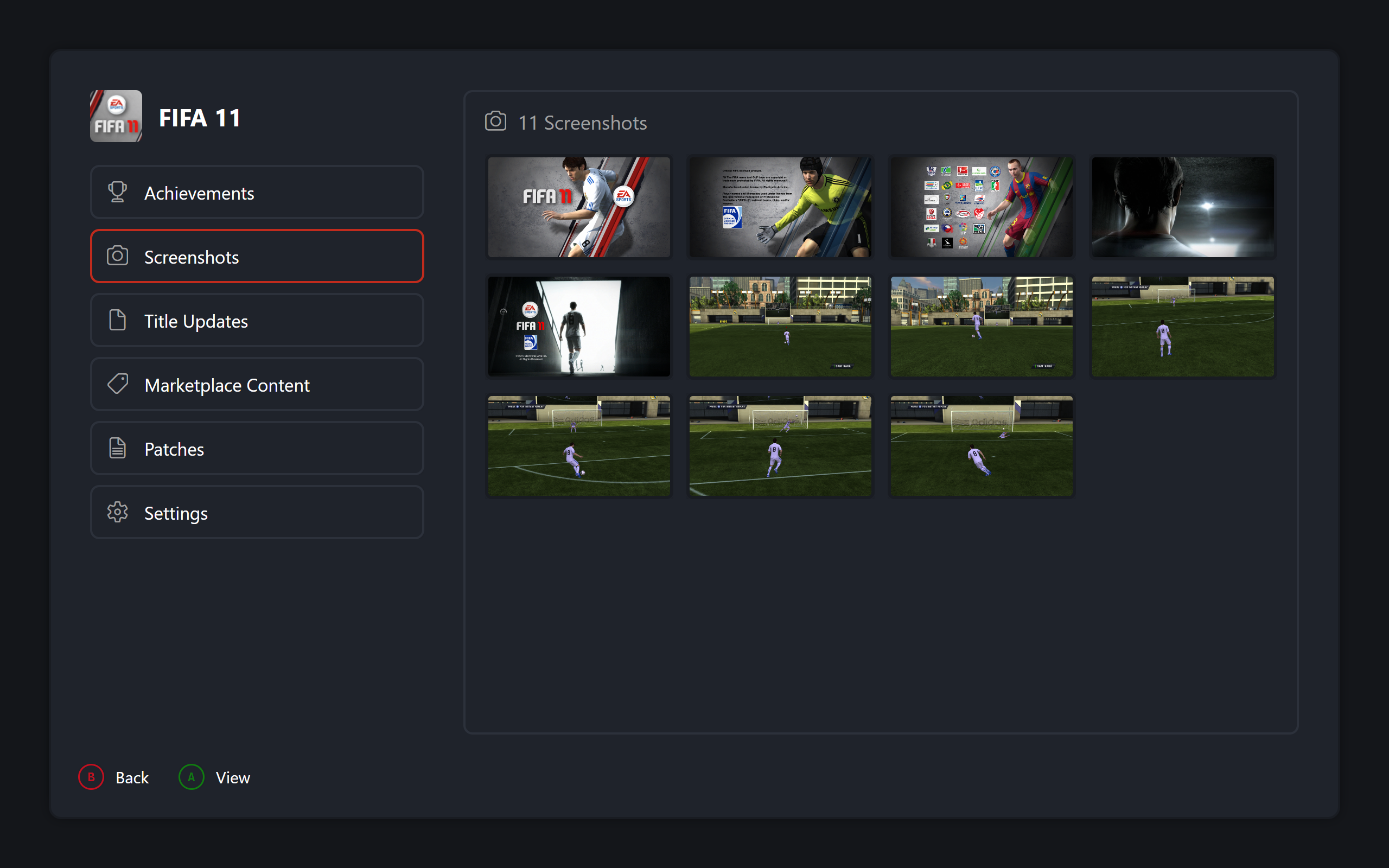
- Game details Modal with panes for achievements, installed content, patches, screenshots and per game settings, all navigable with the controller.
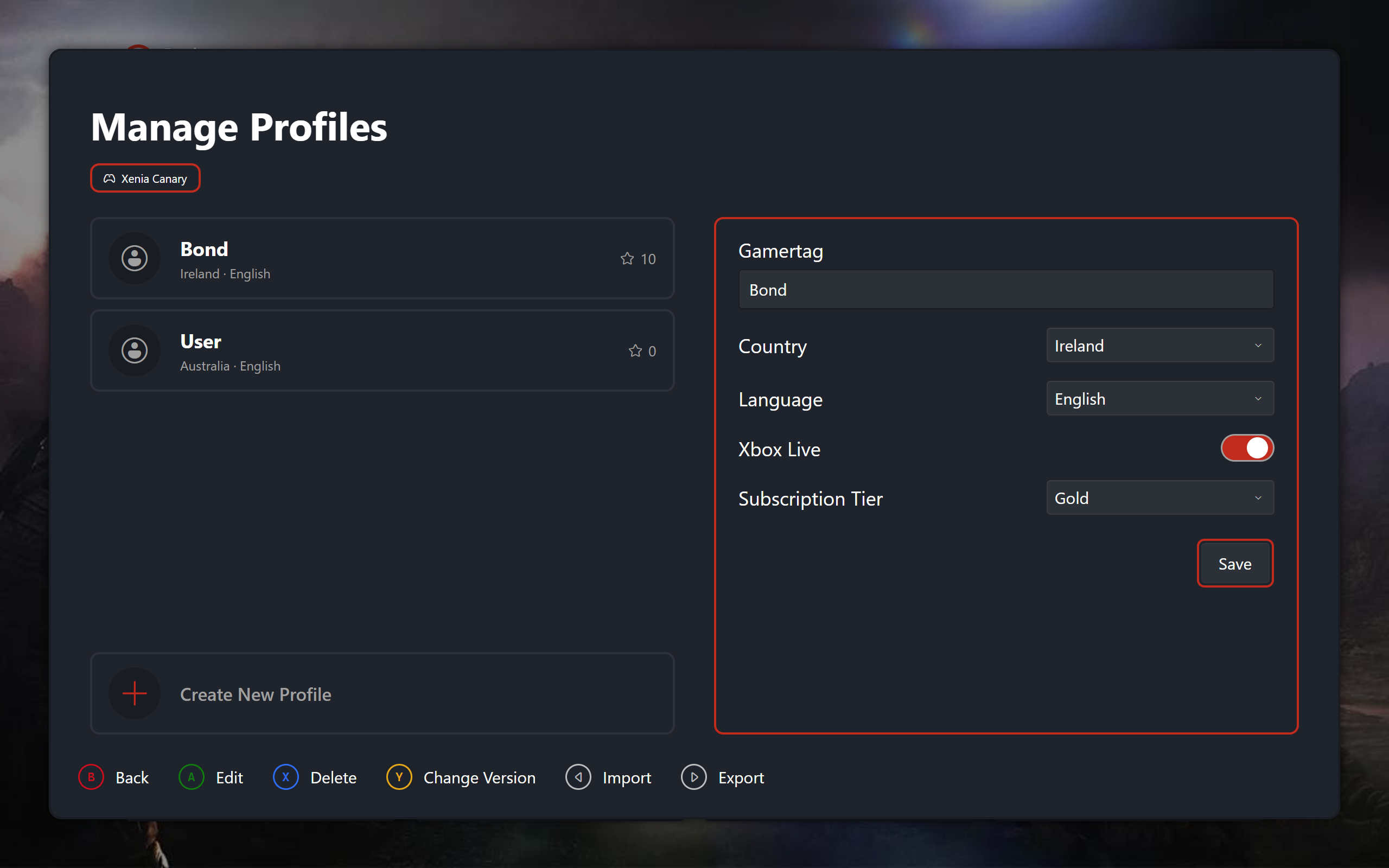
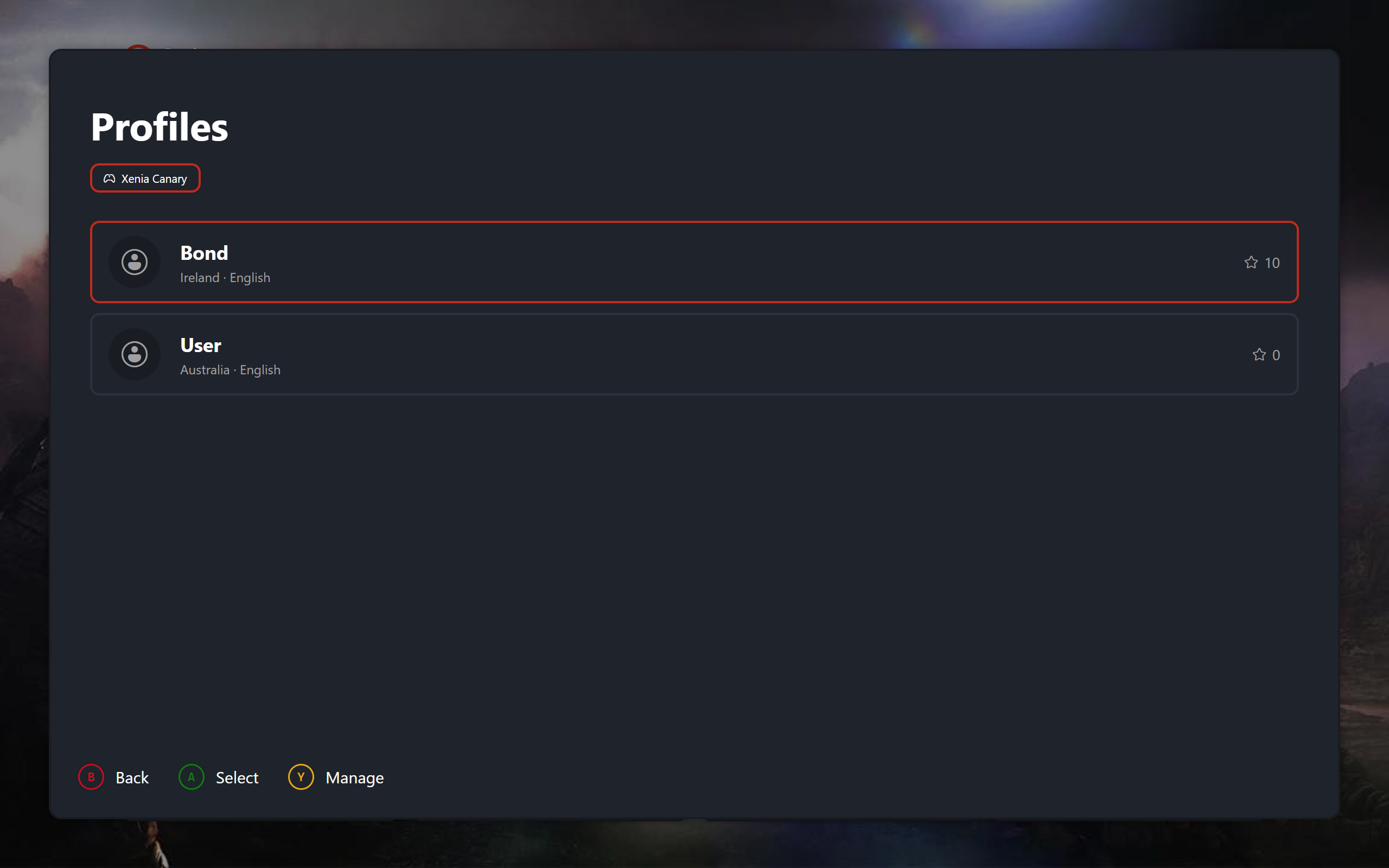
- Profiles and settings Profile picker and management, plus settings for appearance, background, card art and controller options.
- Controller input SDL3 based gamepad support moved into Core with hold repeat, primary controller selection and status for battery and network.
Minor Contributions
- #1 docs: Documentation & Site Style Update Created online documentation for Big Screen mode alongside the initial style and structure for the project wiki.
- #566 feat(library): Open Game Location Added "Open Game Location" and "Copy Game ID" options to the library context menu, plus a notification service for copy confirmation and errors.
- #560 feat(ui): Steam Theme Added a Steam theme to the theme selector.
- #559 fix(theme): Use SystemAccentColorBrush in Card Header Fixed icons hard-stuck on Xbox green in Manage Xenia and About views so they follow the active theme.
- #553 refactor(themes): Deduplicated code for ThemeDisplayItem option Extracted duplicated theme creation code from the welcome dialog and settings page into the Theme Service.
Walkthrough
Gallery